Title here
Summary here
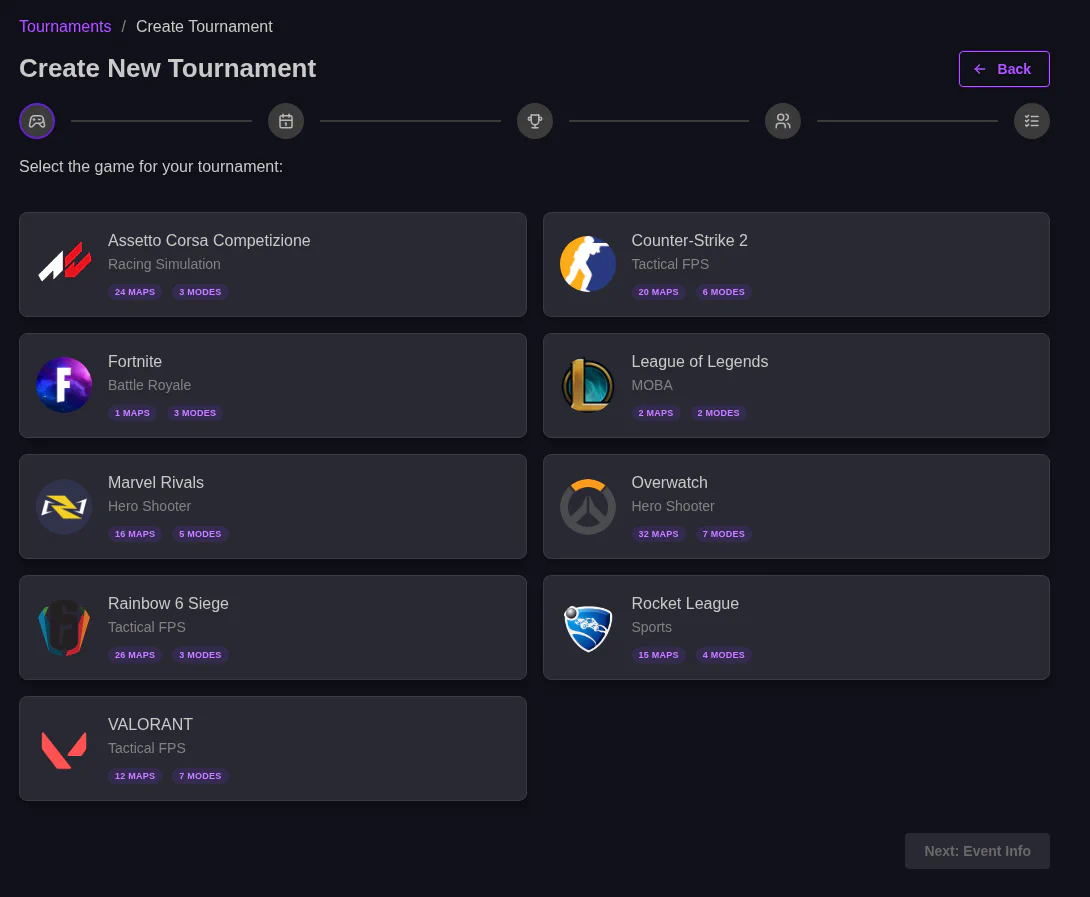
The first step is selecting the game, just press the one you want.
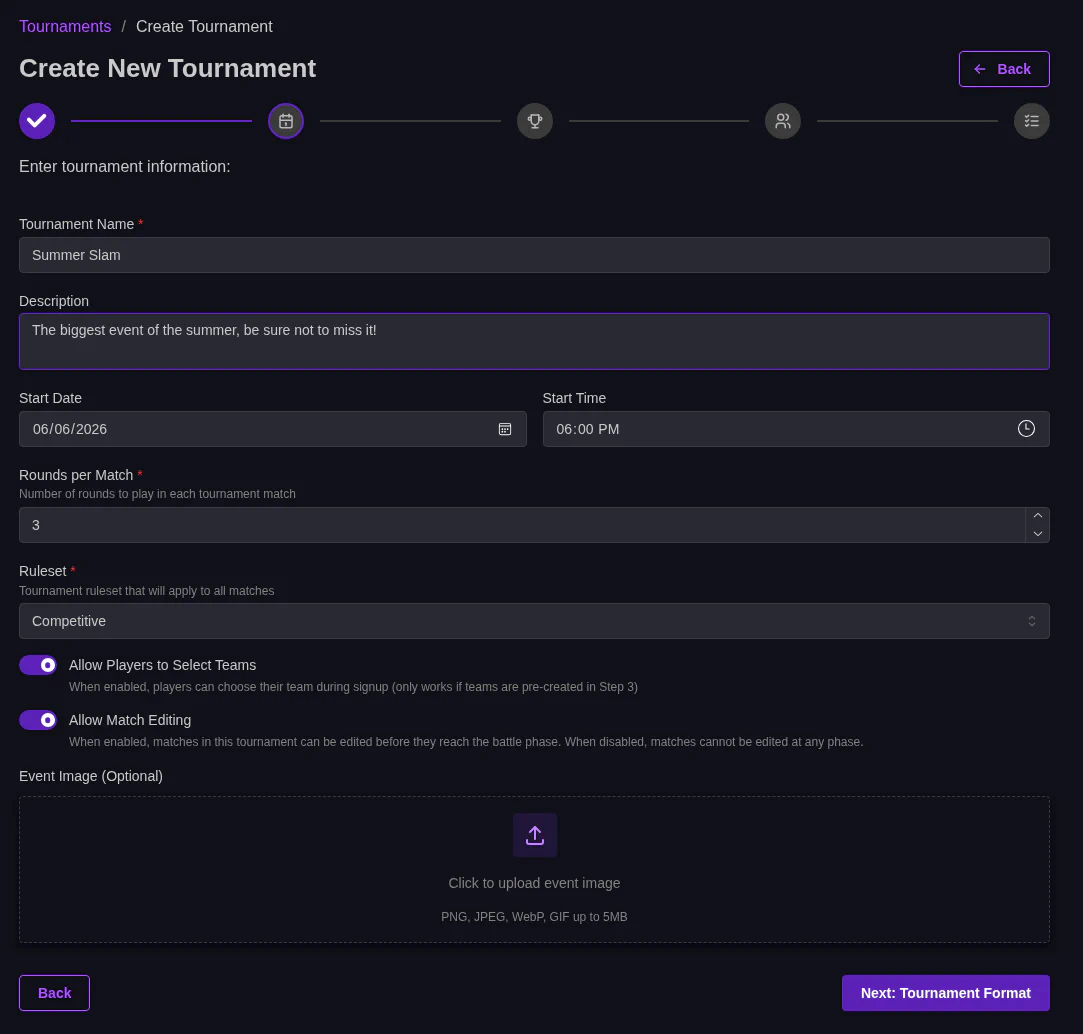
Next are the details, including:
Here you select the bracket format and game mode.
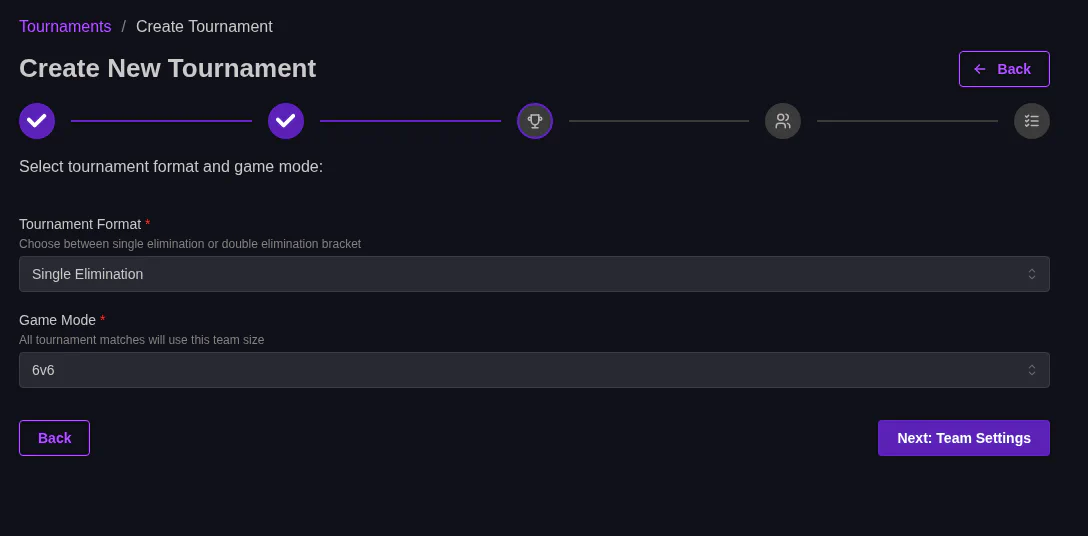
There are 2 different bracket formats available.
Available game modes depend on the game. For example Overwatch allows 5v5 or 6v6, Marvel rivals allows 6v6 or 12 player FFA. This influences how matches are made and how scoring is done.
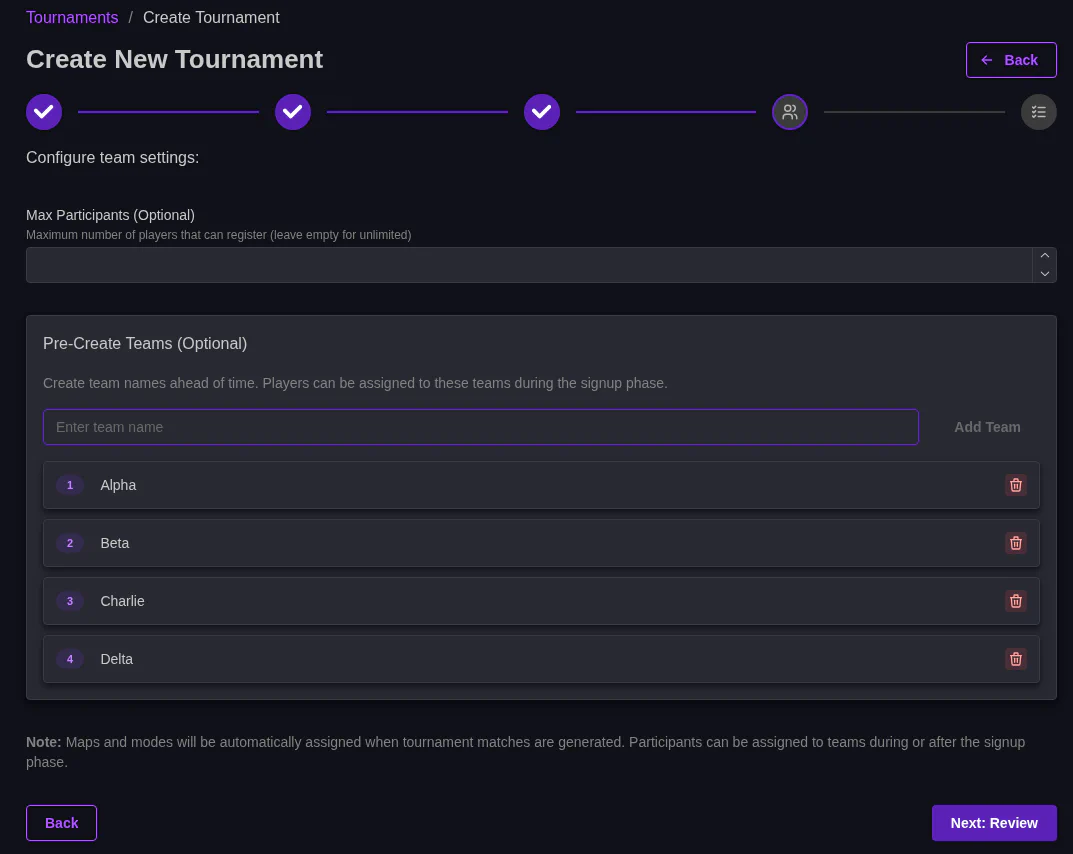
You can set a max number of participants and create teams here. Not needed but it makes it easier for players to select teams when signing up.
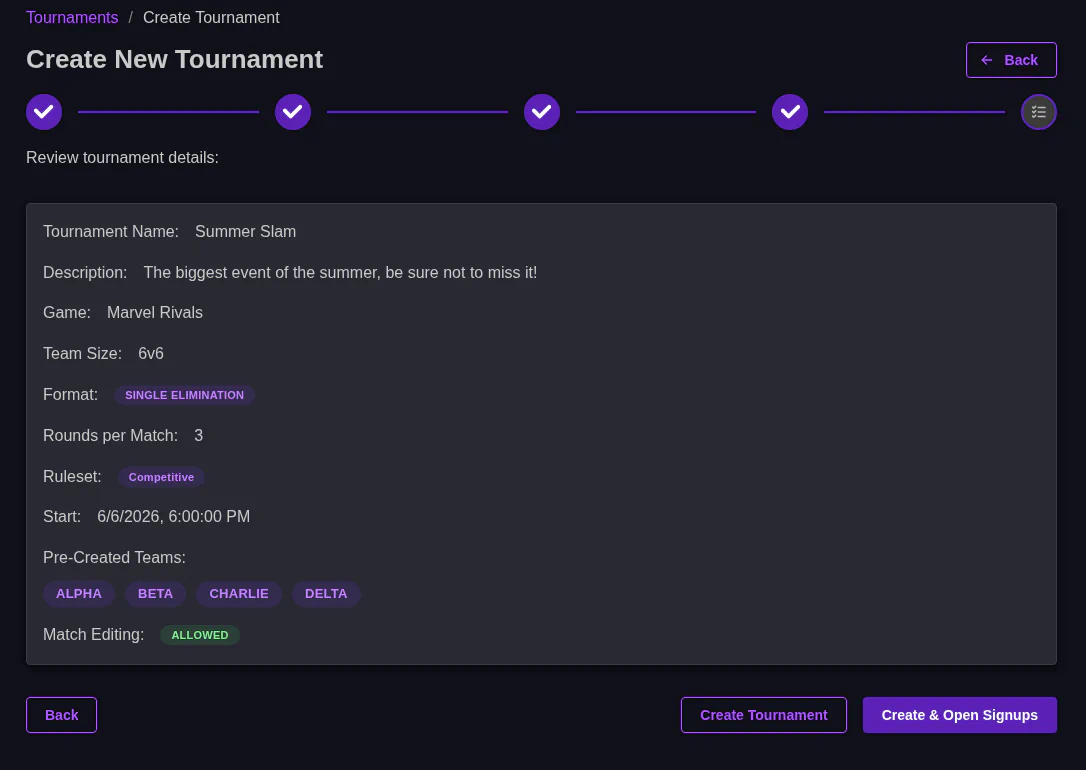
Review your configured settings and create the tournament if it looks good.
If you click Create tournament it will stay in the Created phase. If you click Create & Open Signups, it will start in the Gather phase.