Title here
Summary here
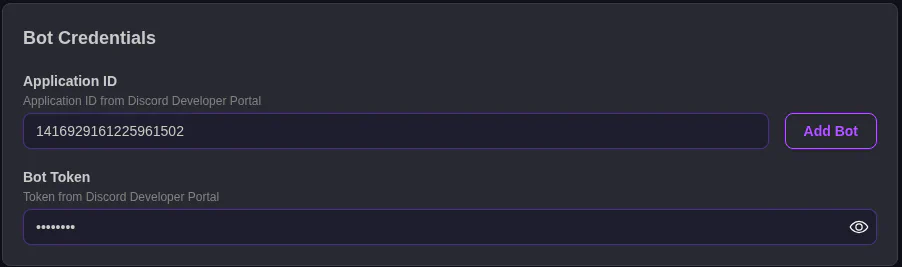
The Application ID of your Discord bot on the Discord Dev Portal. You got this during the First Time Setup
A “password” for your bot. Also gotten during the First Time Setup
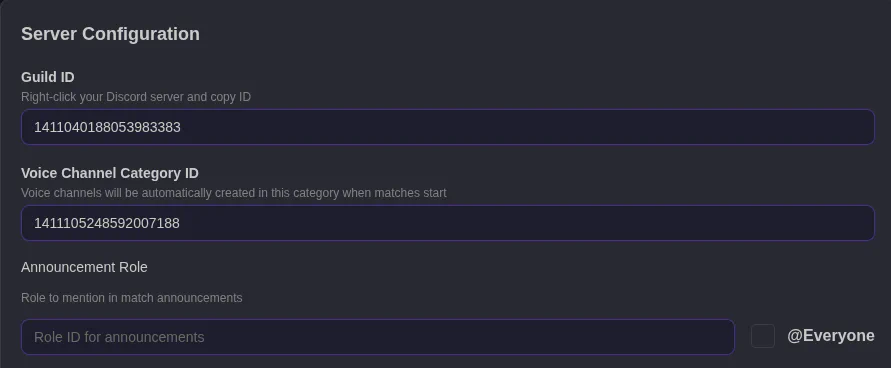
The way Discord names your server. With Developer Settings enabled in Discord, right click your server’s icon and click Copy ID. Paste it in this box.
This is the Discord category where voice channels for matches are created. Basically, where in your channel list should voice channels from MatchExec appear.
Should a role be alerted for match announcements? Leave blank to disable. Right click a role and click copy ID to get its ID number. You can use the @Everyone checkbox to alert Everyone.