Title here
Summary here
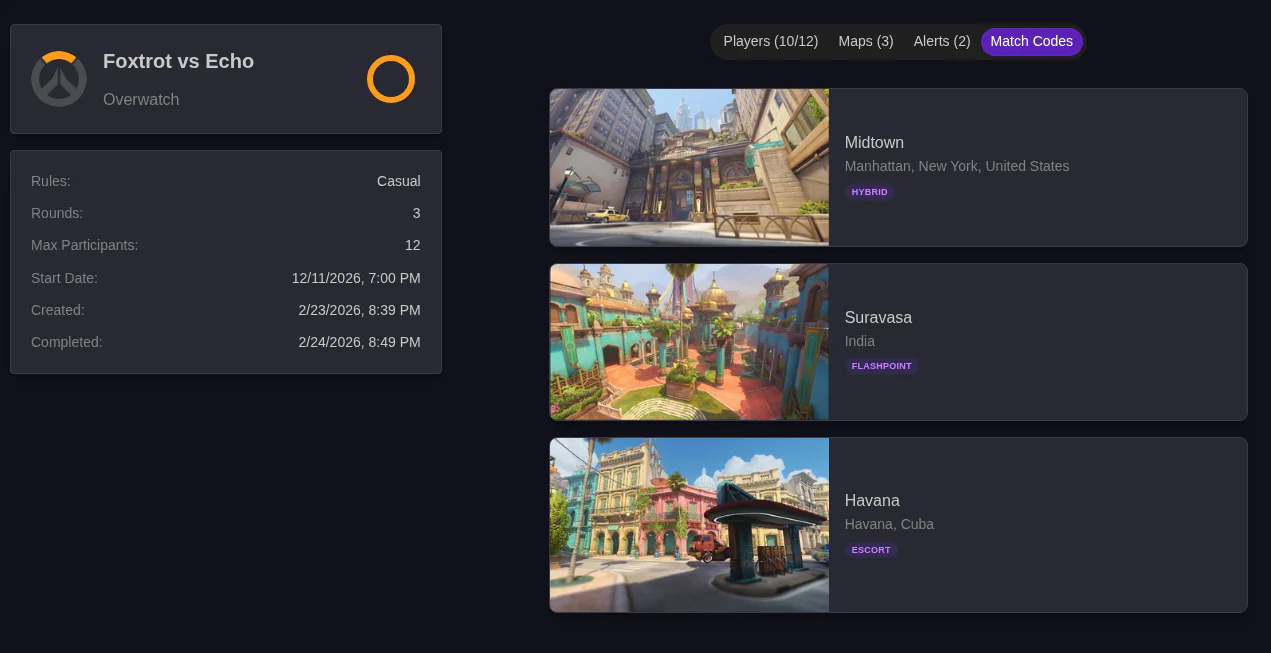
The Match Details page is where everything will happen for a match after it is created.
The info in the left column is always there. It includes basic details like start date and lets you control the match with buttons.
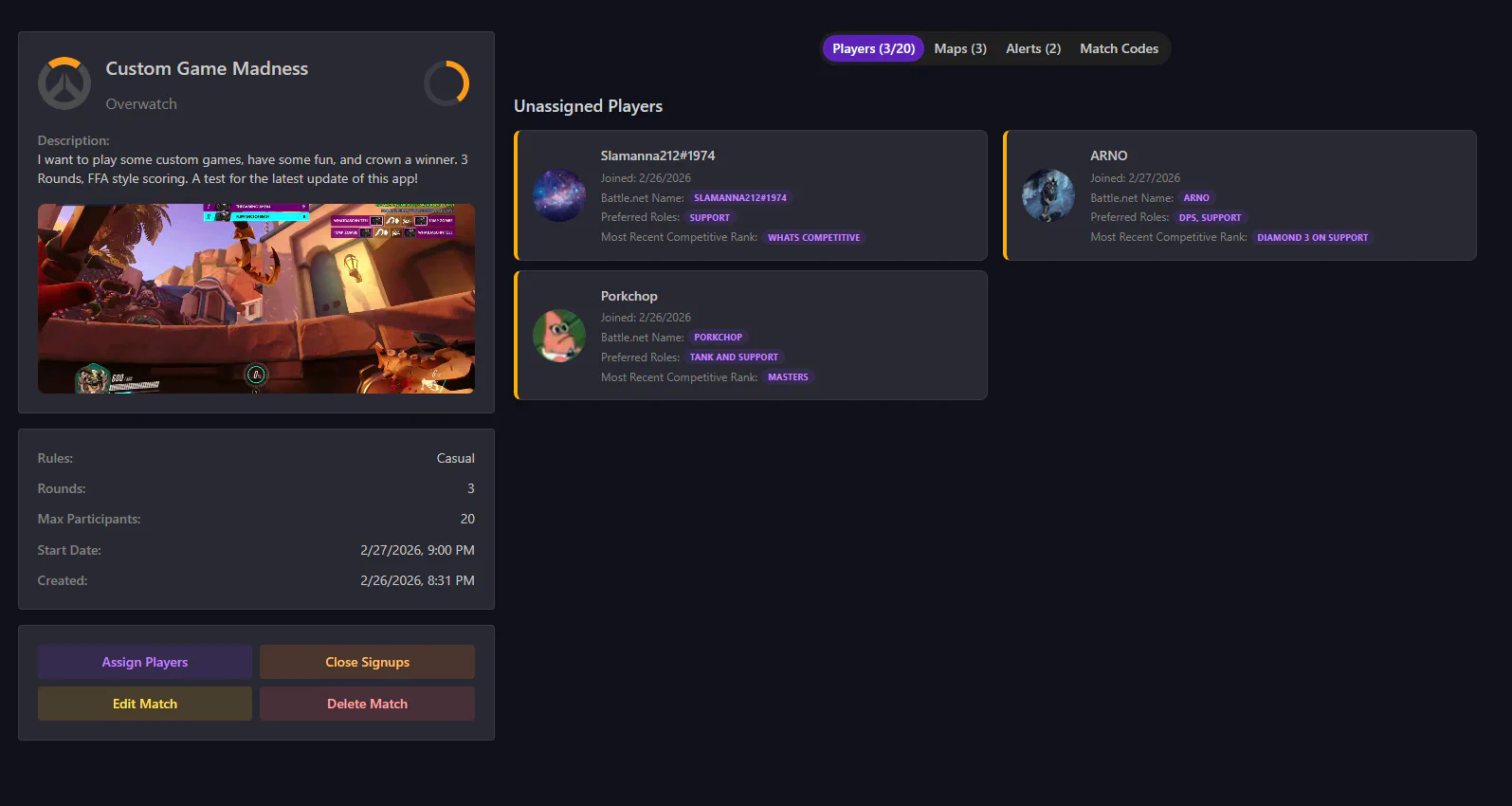
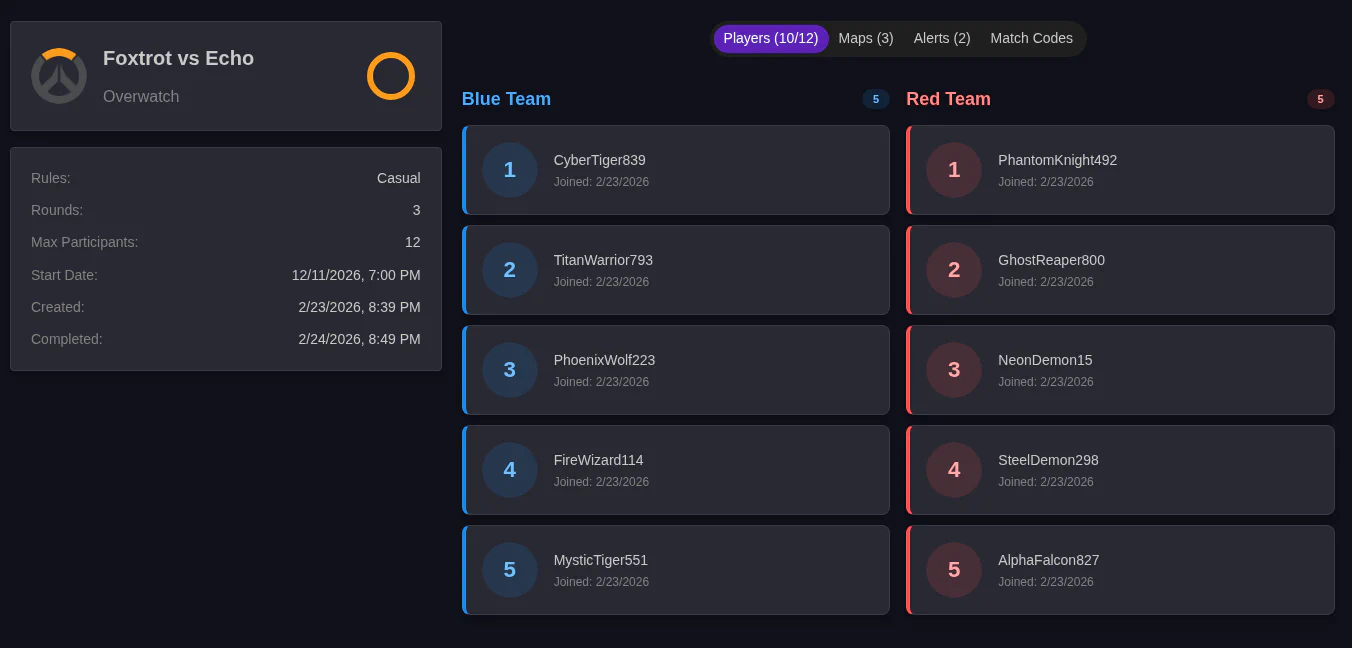
The players currently signed up for the match show on the player tab. If they are assigned to teams, it shows here as well. You can assign players by clicking the Assign Players button in the left Column.
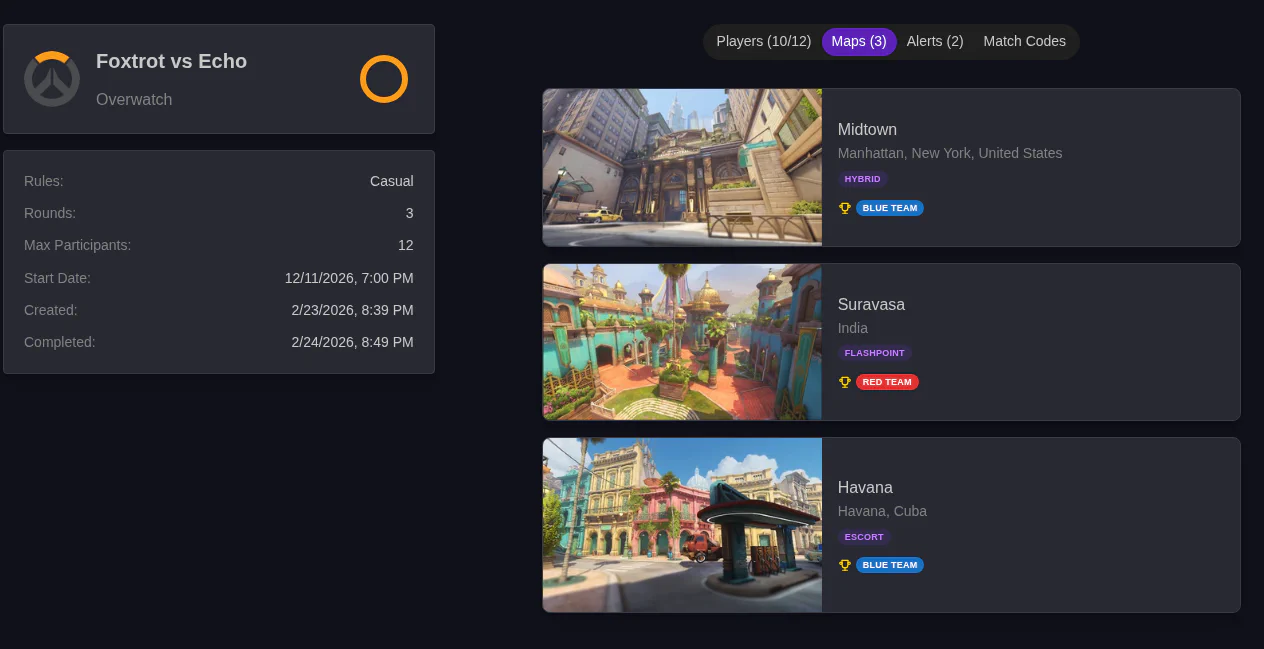
The maps tab shows you the maps currently selected for this match and their order. If the match is in the Battle or Completed Phase, and a Map has been scored, it will show here. You can edit the selected maps with the Edit Match button in the Left Column
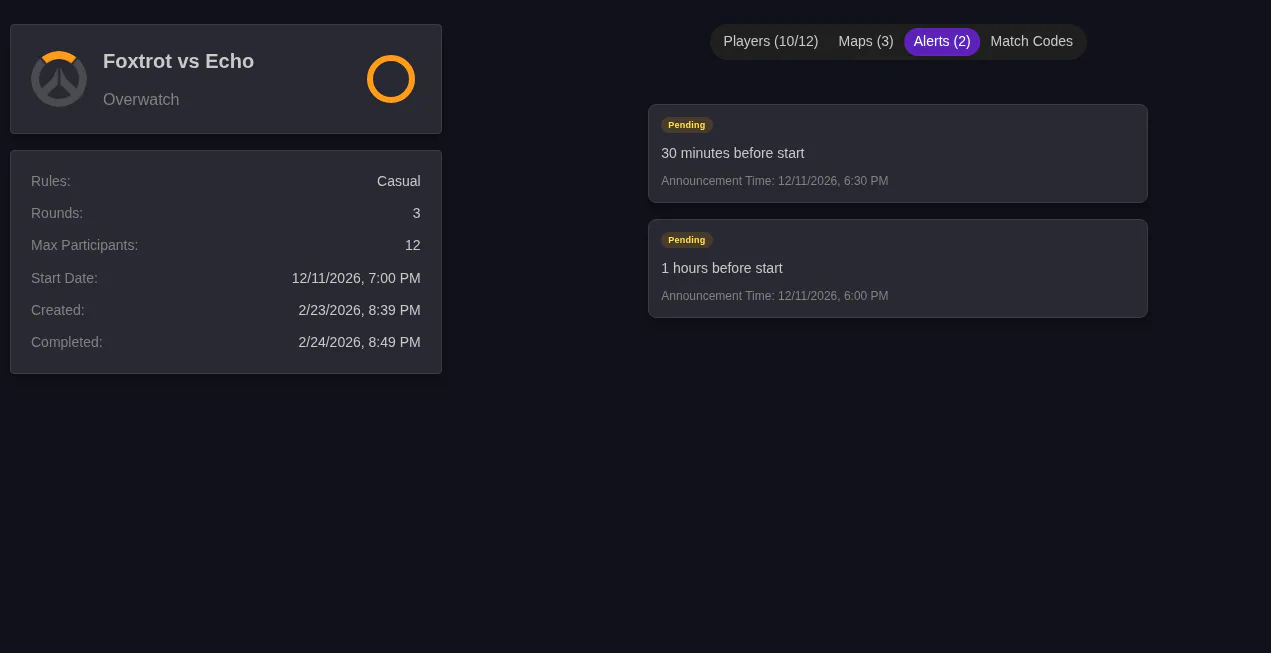
This tab shows you any reminders setup for the event and if they have been sent yet.
For games that support Match Codes, you can enter them here. They will be DMed to people with the Match Commander role during the Match.
The Match Details page is the central hub for managing an active match. Key tasks performed here depending on the match phase: