Title here
Summary here
Creating a Match is divided into 4 main steps: Picking the game, entering the details, alerts, and selecting the maps.
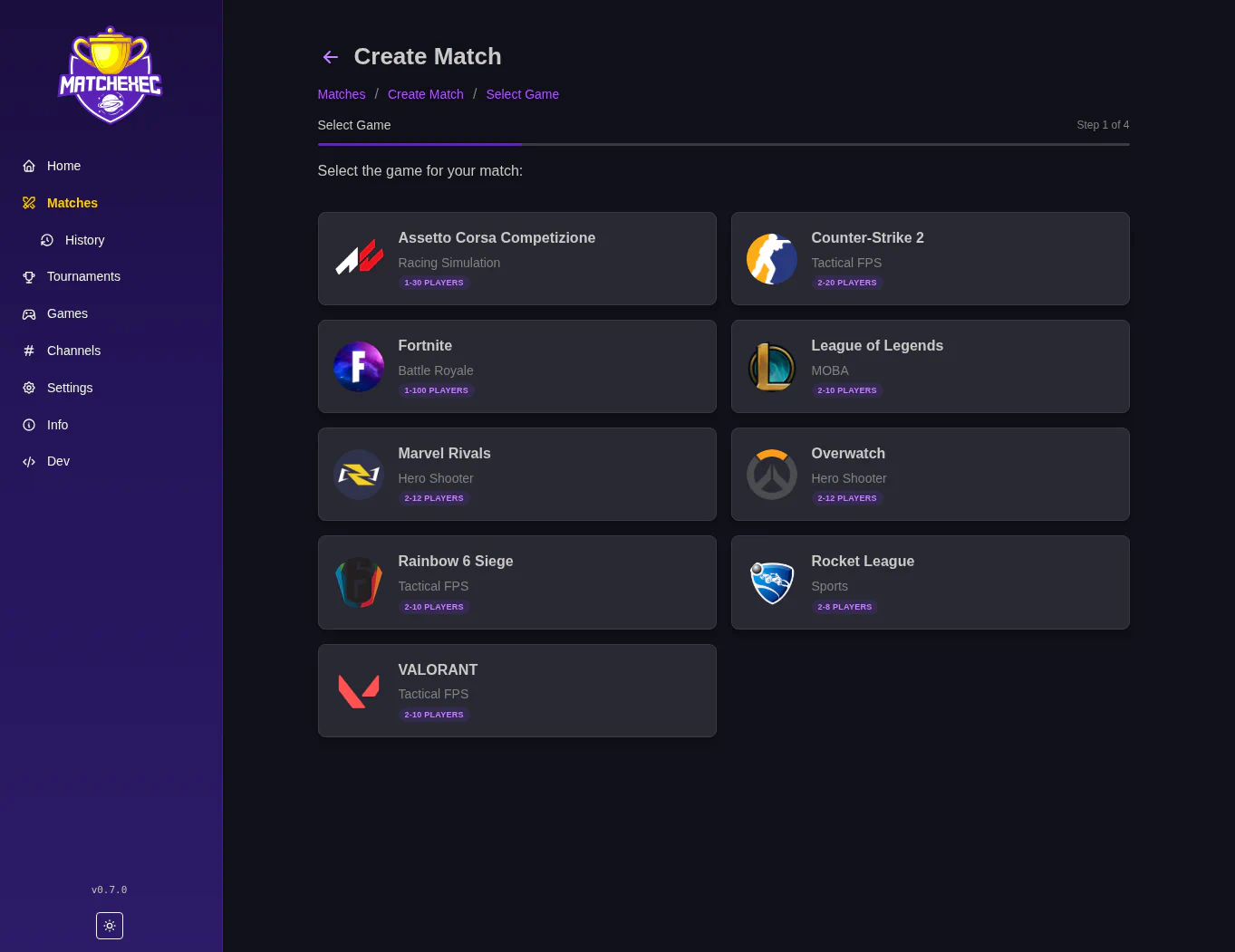
The first step is selecting the game for the match. Just select the desired option.
Next is the details like a Title, when its going to start, and more. Use your local time, MatchExec will handle all time zone conversions internally.
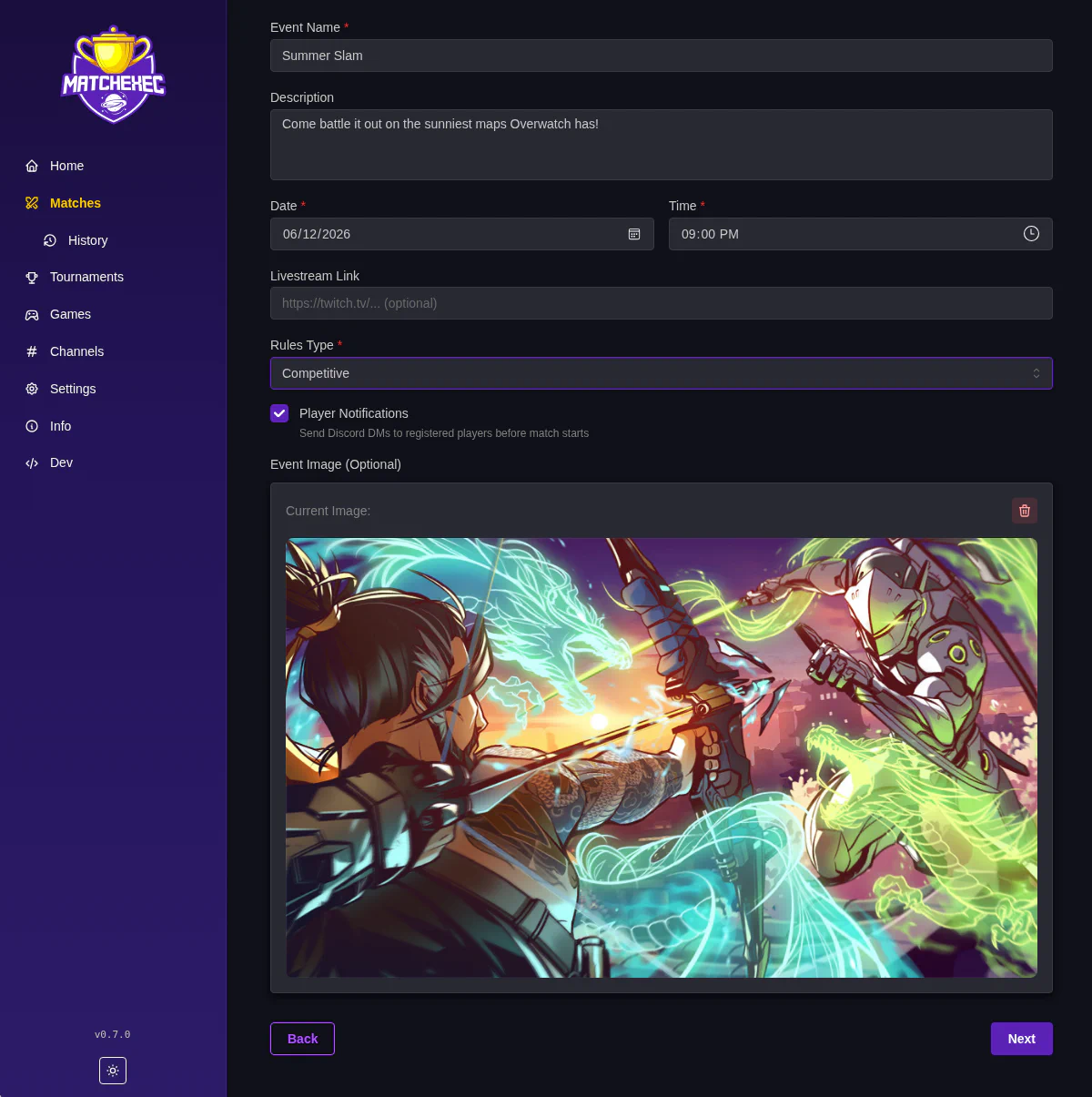
If the player notifications checkbox is checked, players get a PM from MatchExec before the match starts to remind them to join. The timing of this PM can be configured in the Application Settings.
The event image is used throughout the UI and Discord so setting one is highly recommended. A default image will be used if you do not add one here.
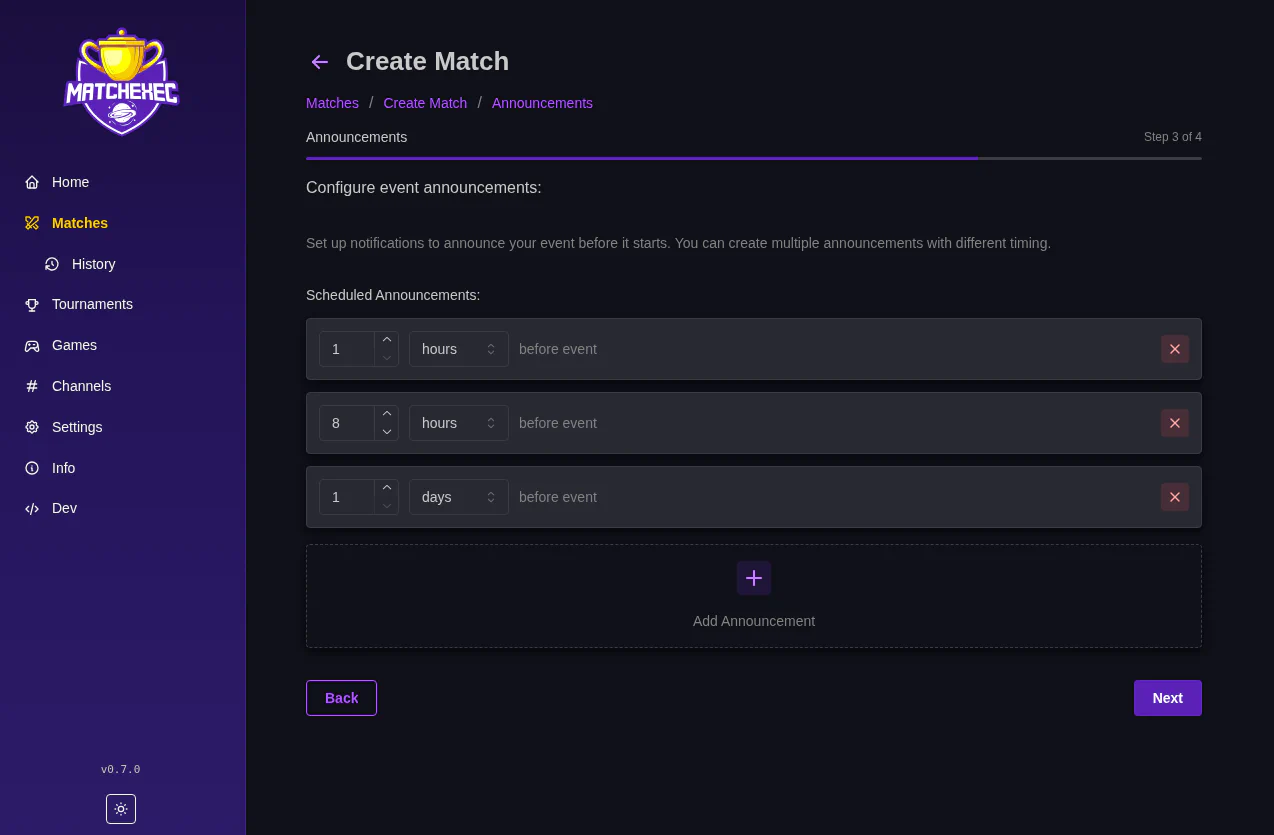
You can setup alerts here that will go out before the match. They help remind people to both take part and watch the event.
On this page you select the maps and game modes you want for this match. Press the Plus button then select your map.
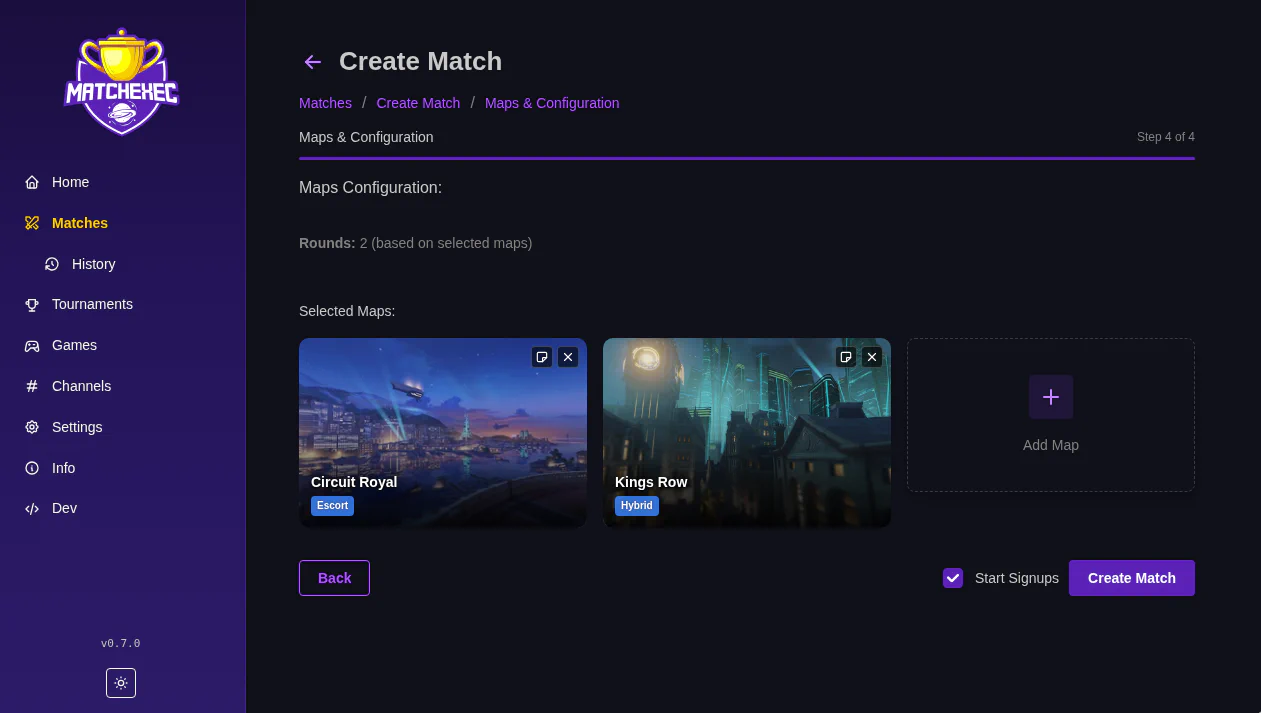
Before you click Create Match, look at the start signups checkbox.
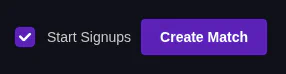
If it is checked the match automatically enters the Gather phase and signups open. If unchecked the match starts in the Create phase and it must be manually moved to the Gather phase to start signups.