Title here
Summary here
Each match and tournament will be in one of 5 phases at all times:
Create > Gather > Assign > Battle > Complete
The Match Lifecycle page goes over this in more detail but just know that the circles throughout the app show which phase that match or tournament is currently in.

Desktop screenshots are used on this site. Every single feature of this app is usable and works the same on mobile devices.
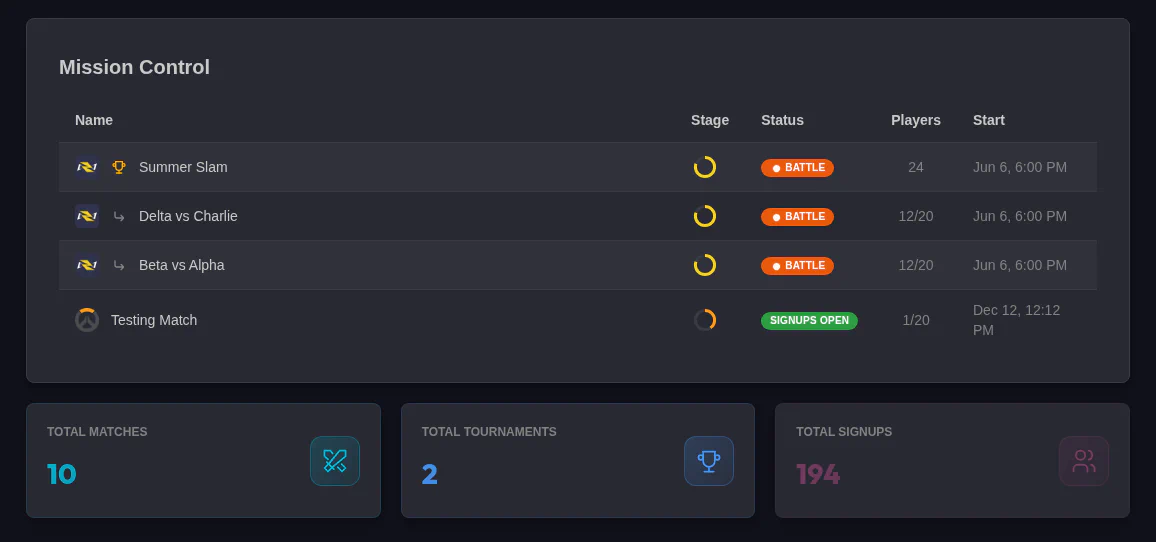
The homepage shows the status of all current Matches and Tournaments and some stats. You can click any of them to go their match or tournament details page.
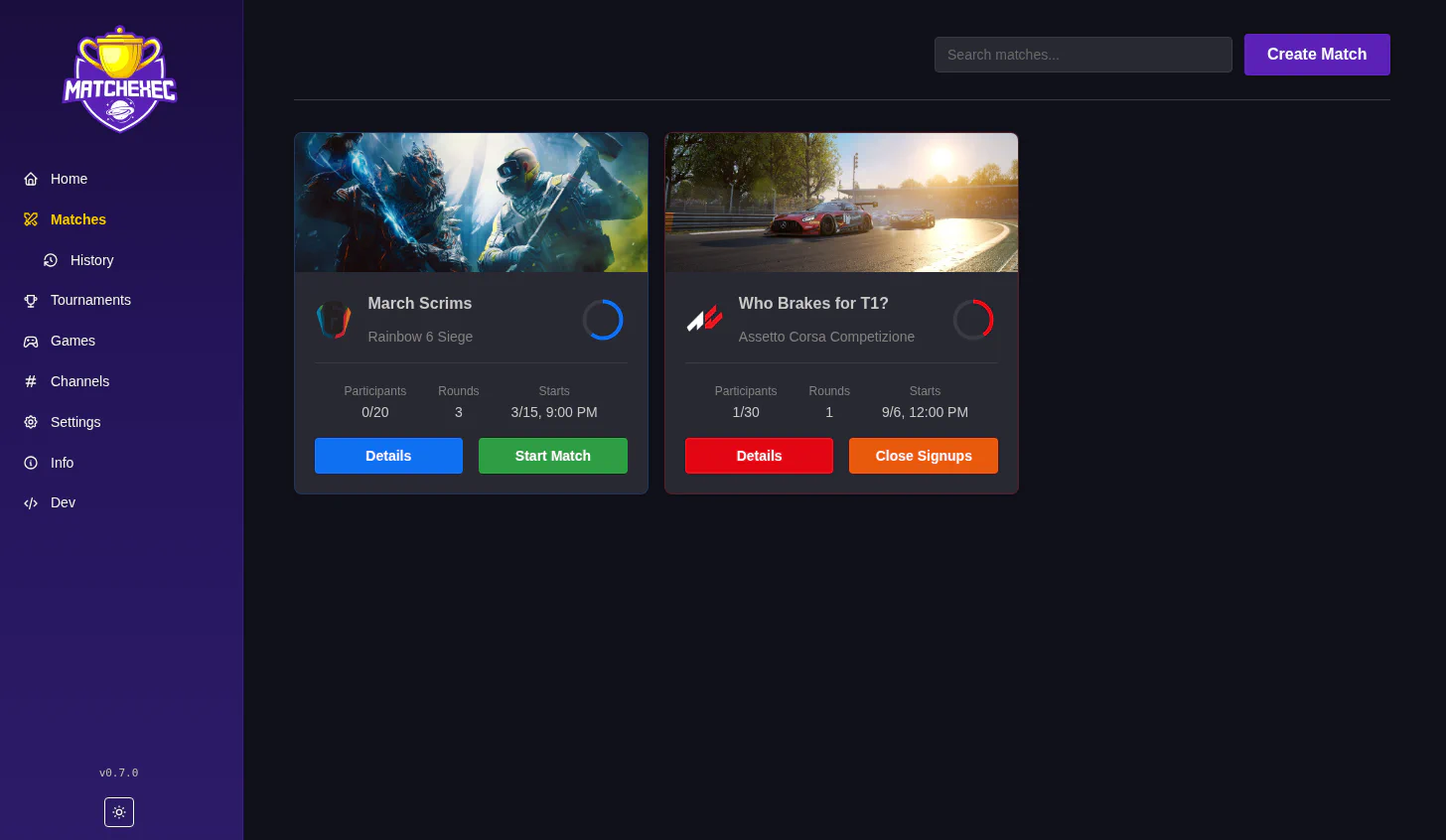
Create new matches, manage current ones, and everything else related to Matches.
All matches once completed will show here.
Exact same thing as matches, but for Tournaments. Tournaments will automatically create matches on the above matches page for tournaments.
Same as match history, but for tournaments.
A list of all games supported by the app. Control what maps are available for use in tournaments.
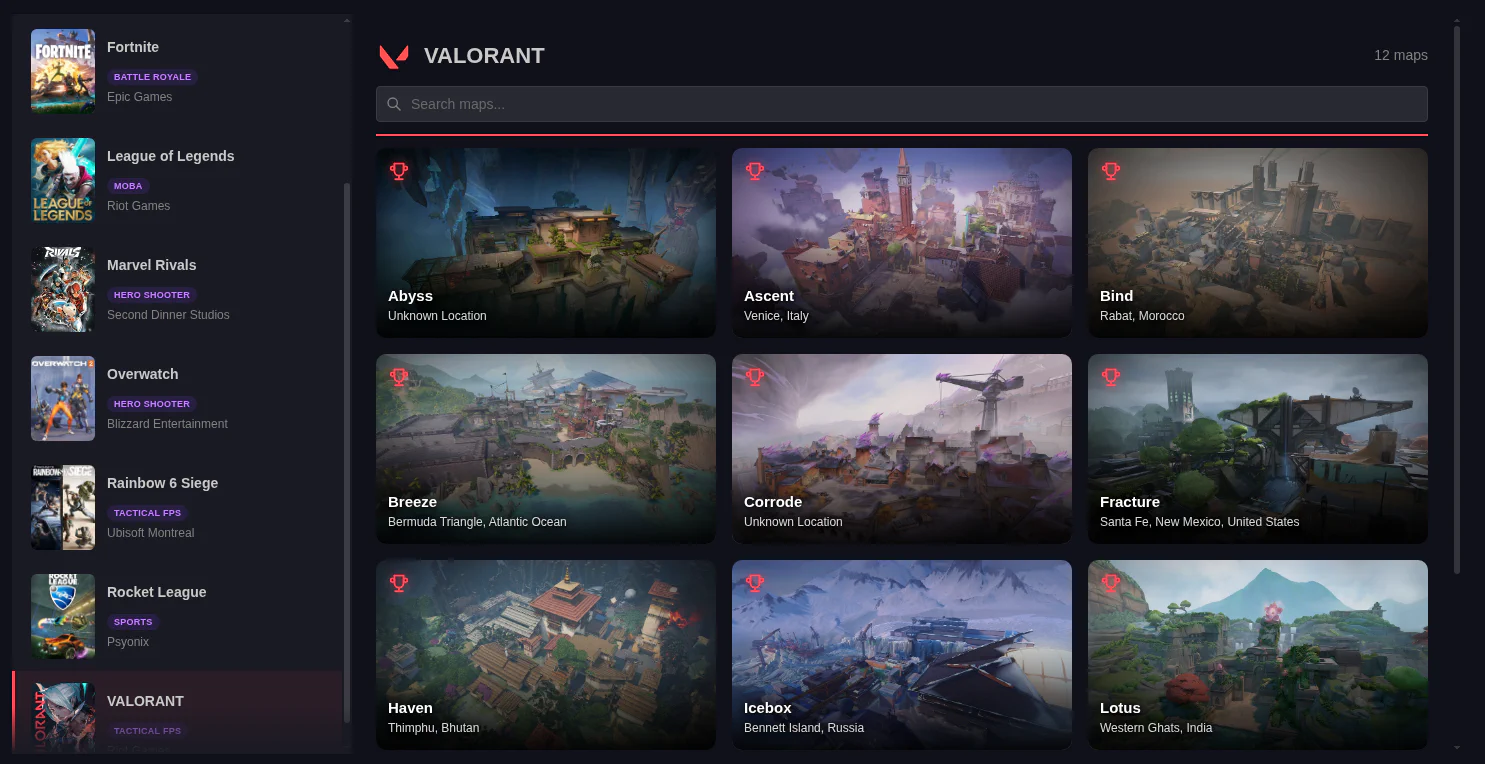
Each map has a trophy icon in the top left corner. If the trophy is lit up, the map will be used to generate matches for tournaments. If it is grey, you will not see that map in a tournament.
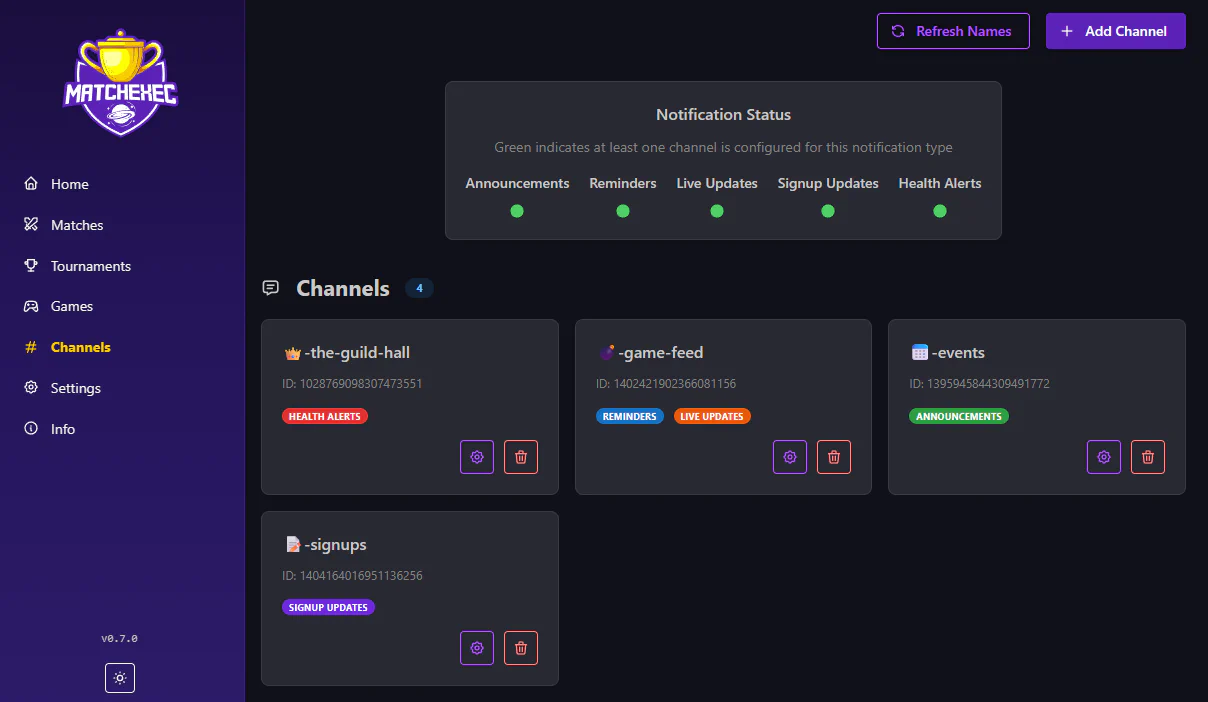
Setup your Discord text and voice channels
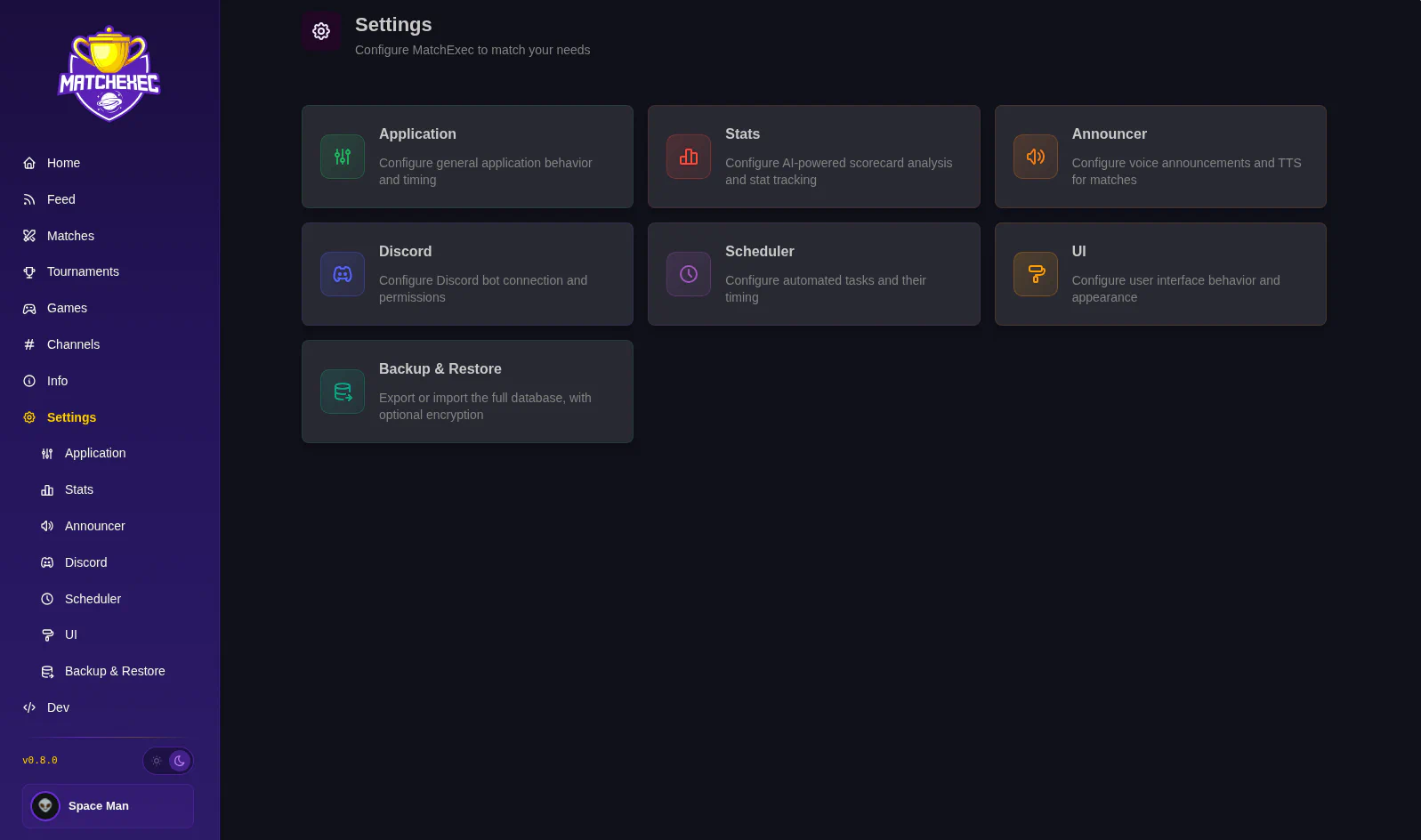
Configure the app here.